
KES 5,320
Available
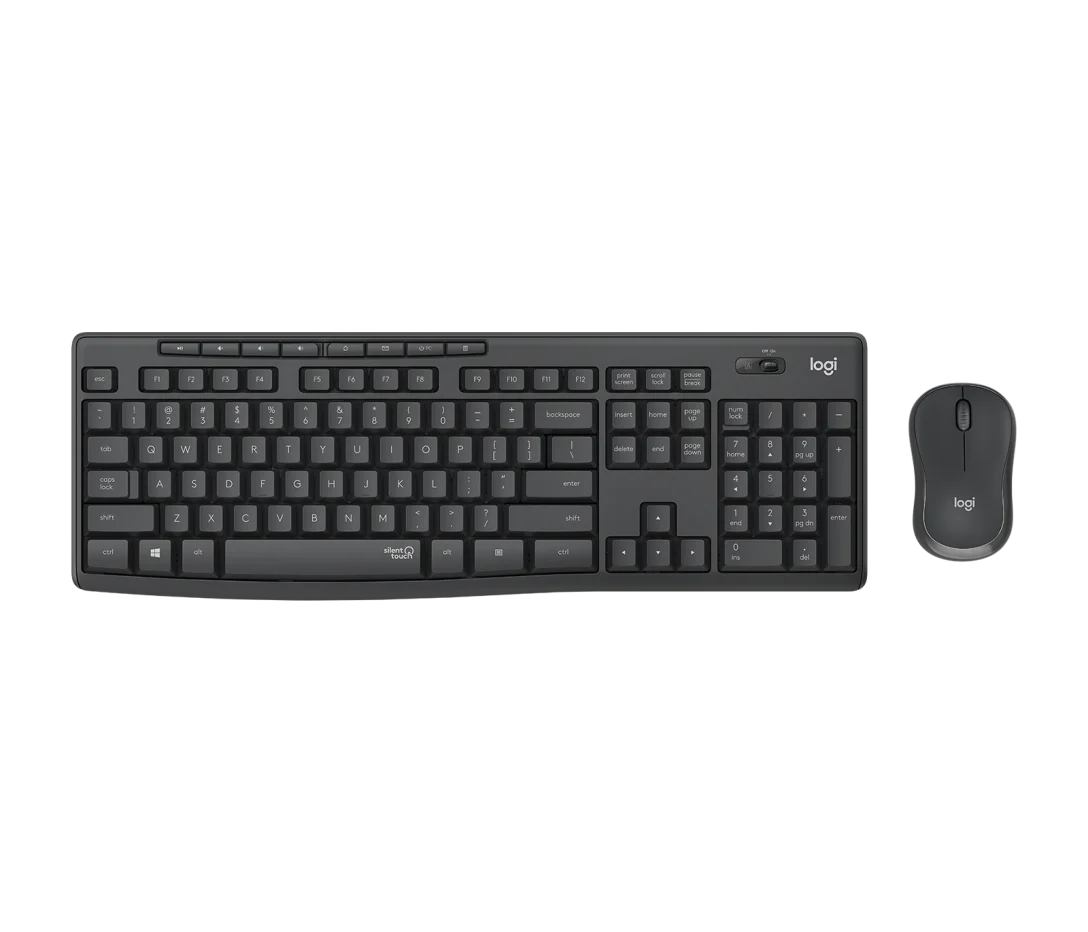
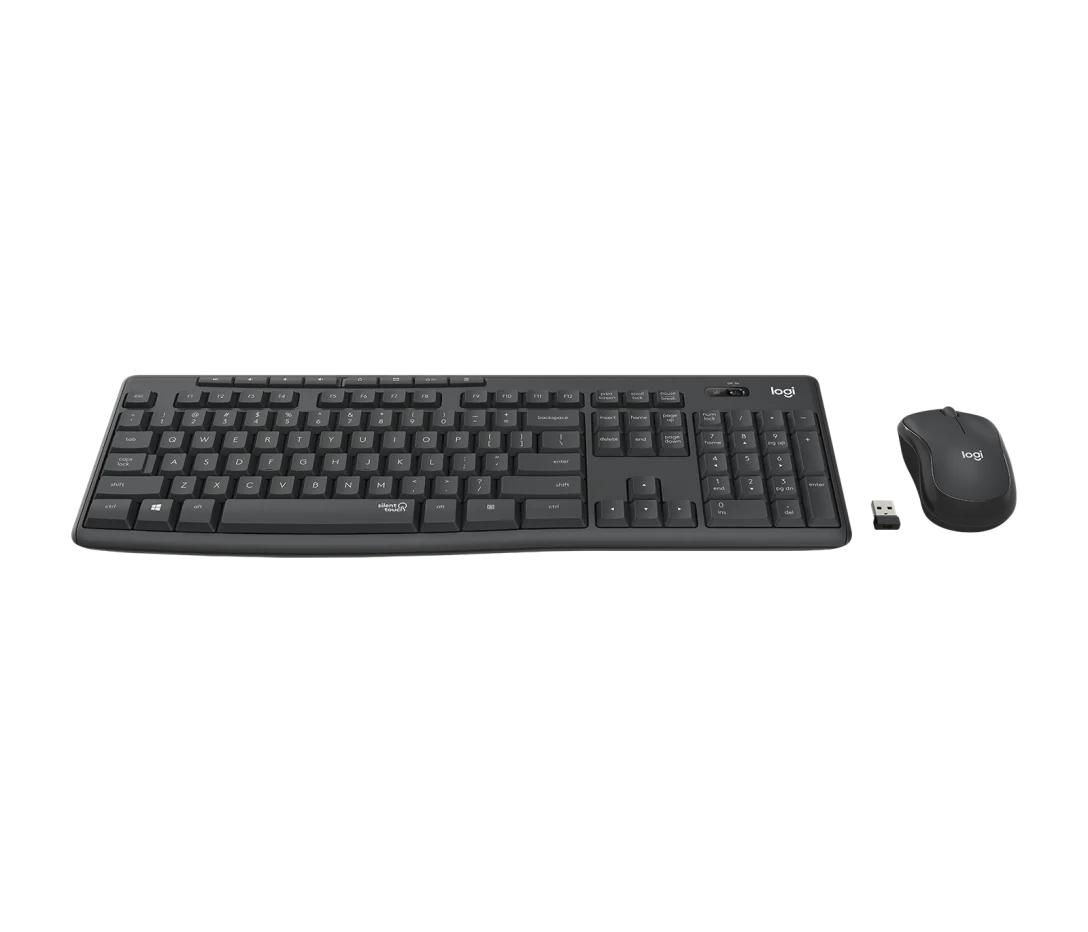
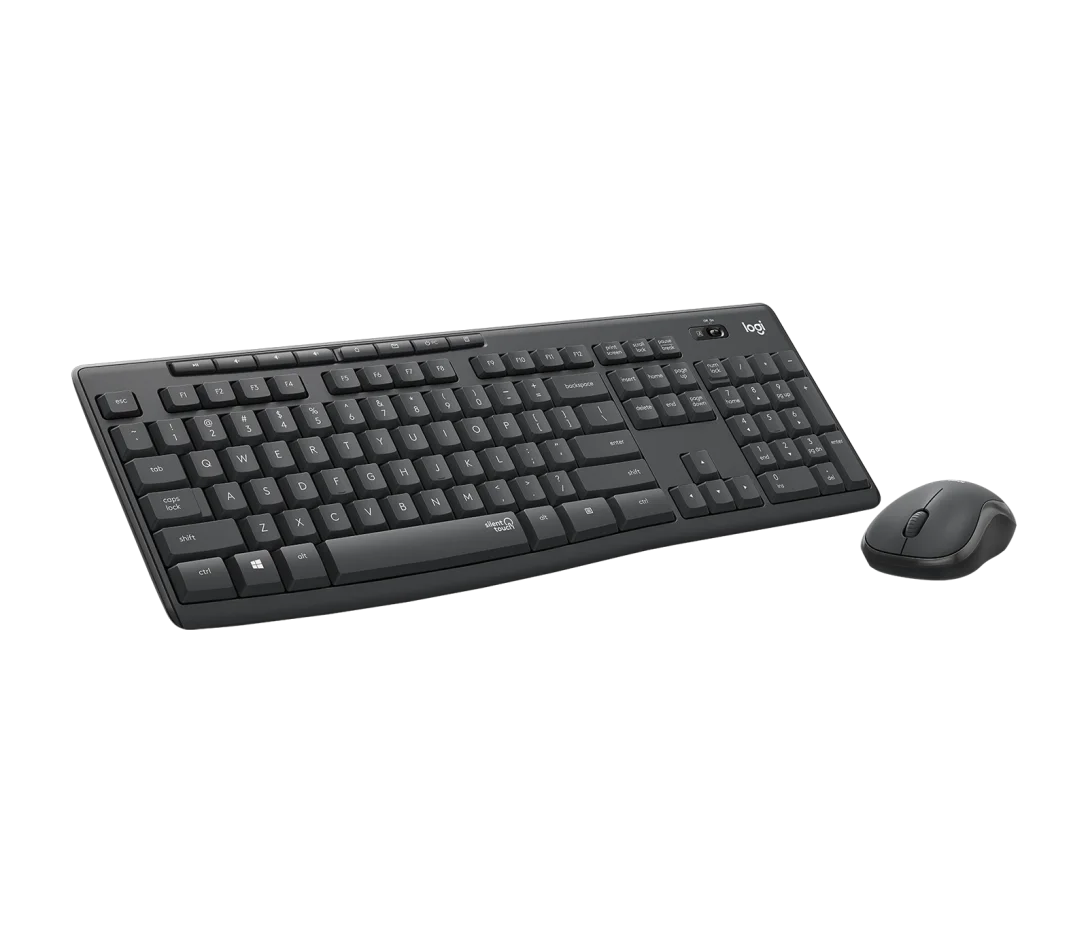
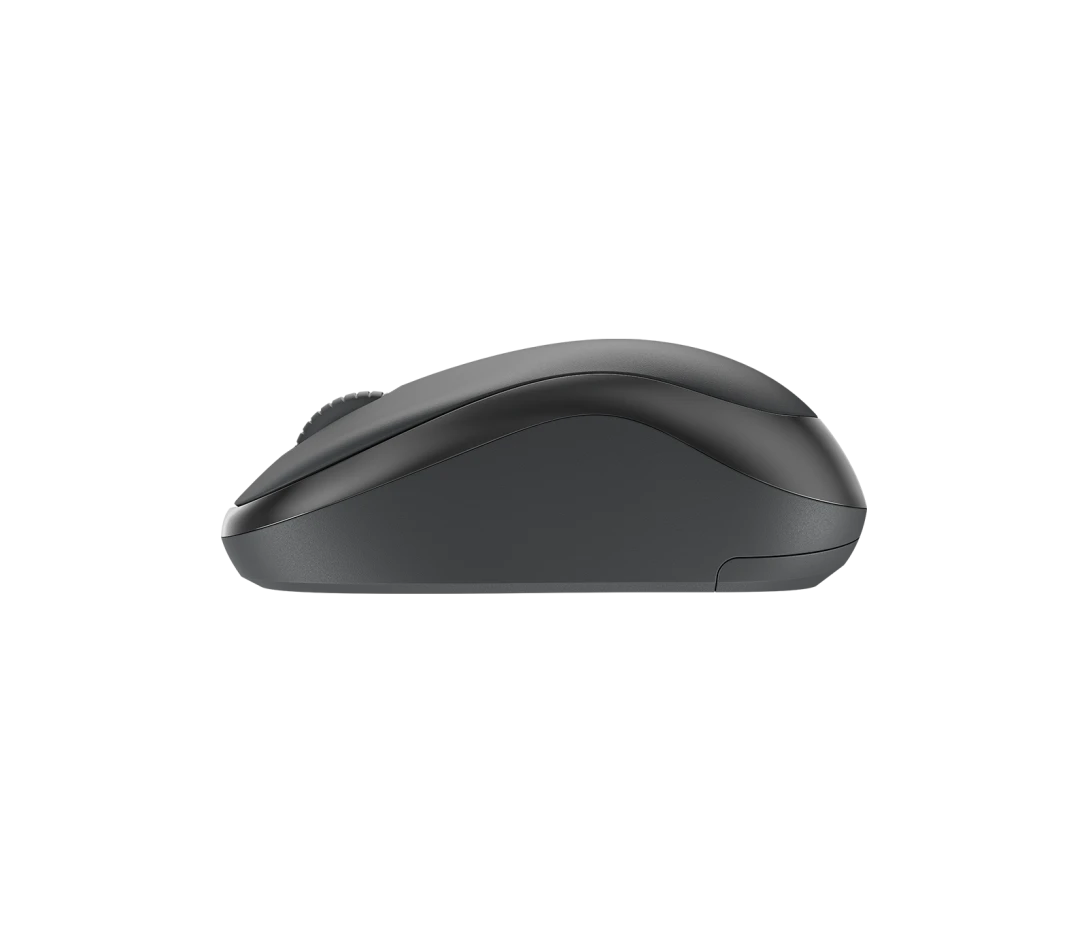
Logitech MK295 Silent Wireless Keyboard Mouse Combo - 920-009801
Elevate your workspace with silence and precision. The Logitech MK295 Silent Wireless Keyboard Mouse Combo fuses comfort, sleek design, and whisper-quiet technology into one harmonious duo. Say goodbye to distracting clicks and embrace a smooth, focused workflow anywhere you go.
KES 5320 KES 4788
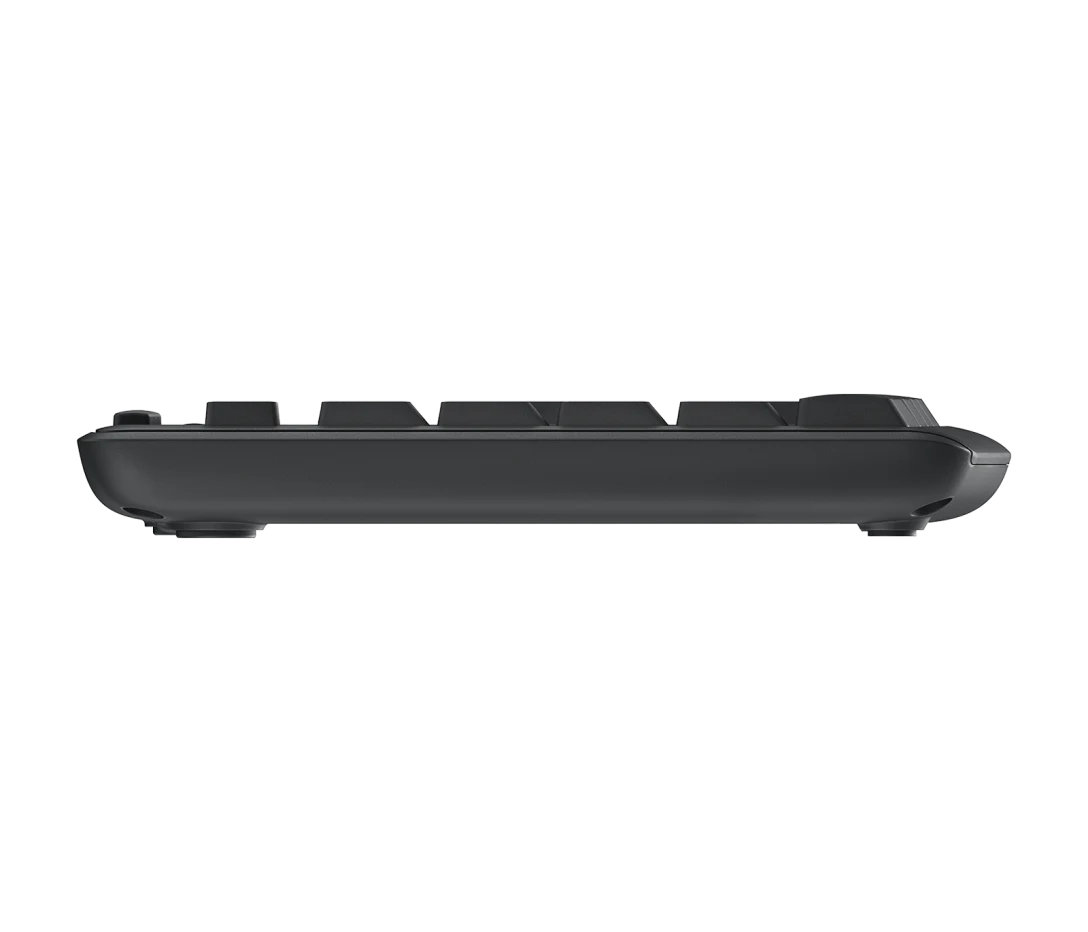
Crafted for professionals and casual users alike, the MK295 combo delivers ultra-quiet typing and scrolling — cutting your noise by up to 90%. Enjoy wireless convenience with a plug-and-play 2.4 GHz USB receiver offering a reliable connection up to 10 meters. The full-size keyboard boasts comfortable, whisper-quiet keys while the contoured mouse fits naturally in your hand for all-day use.
| Feature | Details |
|---|---|
| Keyboard Layout | Full-size with number pad, quiet keys |
| Mouse Type | Contoured, ambidextrous design with silent clicks |
| Wireless Technology | 2.4 GHz RF (USB receiver) |
| Range | Up to 10 meters (33 feet) |
| Battery Life (Keyboard) | Up to 36 months |
| Battery Life (Mouse) | Up to 18 months |
| Compatibility | Windows® 7, 8, 10 or later, Chrome OS™, Linux®, macOS |
